DIY Guide: Building a Professional Website with Wix
Getting Started with Wix
Creating a professional website has never been easier, thanks to platforms like Wix. Whether you're a small business owner, a freelancer, or someone looking to showcase a portfolio, Wix offers a user-friendly interface and a plethora of customizable templates to suit your needs.
To begin, simply sign up for a Wix account. Once registered, you can choose from a variety of templates that reflect your industry or personal style. Wix's drag-and-drop editor makes it simple to customize elements without any coding knowledge.
Customizing Your Template
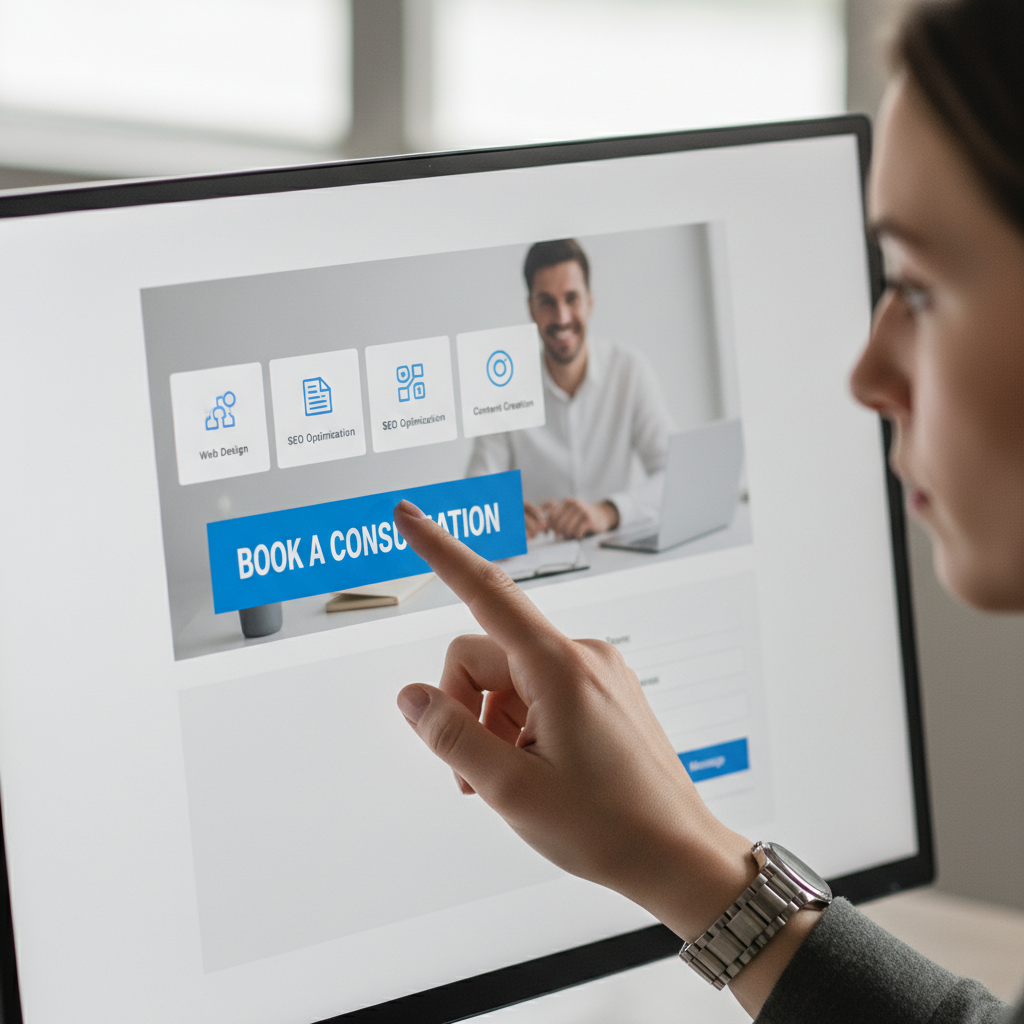
After selecting a template, it's time to make it your own. Personalization is key to standing out. You can change colors, fonts, and layouts to match your brand identity. Wix offers a wide range of fonts and a color palette to help you stay on brand.
Adding your logo and custom images can further personalize your site. Wix allows you to upload images directly or choose from their extensive image library. Consider using high-quality photos to create a professional look.
Adding Pages and Features
Decide on the pages you need, such as Home, About, Services, and Contact. You can easily add and remove pages using the Wix editor. Each page can be customized individually to include relevant content and images.

Enhancing Functionality with Apps
Wix's App Market offers various tools to enhance your site's functionality. Whether you need an e-commerce solution, booking system, or social media integration, there's an app for almost every need. Simply browse the App Market and add the desired apps to your site.
Remember to explore SEO tools available within Wix to optimize your site's visibility. Proper SEO can help your website rank higher in search engine results, attracting more visitors.
Preview and Publish
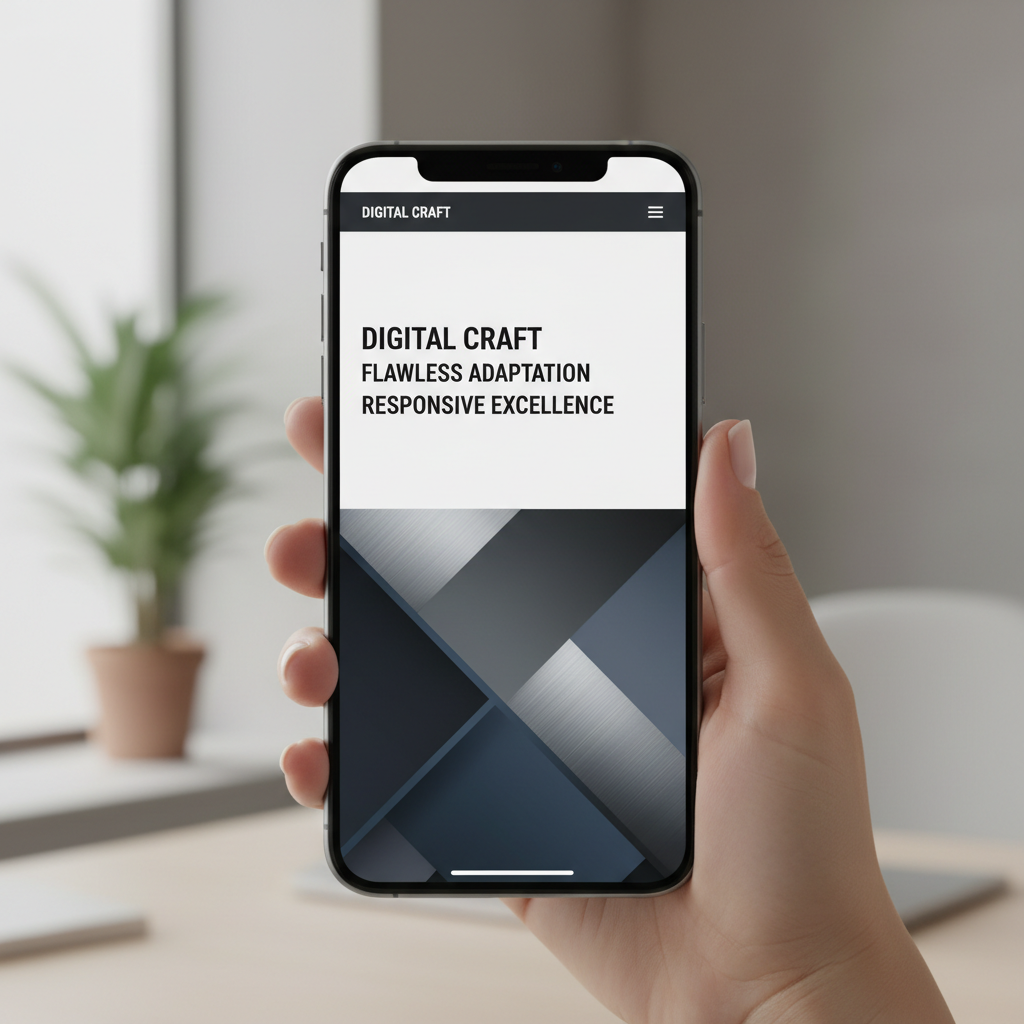
Before publishing, take advantage of Wix's preview feature to see how your website will look on different devices. This step ensures that your site is responsive and user-friendly across all platforms.
Maintaining Your Website
Once your website is live, regular updates are essential. Keep your content fresh and relevant to engage visitors and improve search engine rankings. Consider setting up a blog or news section to share updates and insights.
Wix provides analytics tools to help you track site performance. Use these insights to make informed decisions about future content and design adjustments.
Conclusion
Building a professional website with Wix is a straightforward process, thanks to its intuitive tools and features. By following this guide, you can create an attractive and functional website that meets your goals. Start your journey today and watch your online presence grow.