Expert Tips for Enhancing Your Corporate Site’s User Experience
Understanding the Importance of User Experience
In today's digital landscape, a corporate site's user experience (UX) plays a crucial role in converting visitors into clients. A seamless and intuitive UX not only enhances customer satisfaction but also boosts your brand's credibility. By focusing on UX, businesses can significantly improve their online presence and engagement.
Whether you're redesigning an existing site or building one from scratch, incorporating expert tips can help you create a more effective user interface. Let's explore some key strategies to enhance your corporate site's UX.

Prioritize Mobile Responsiveness
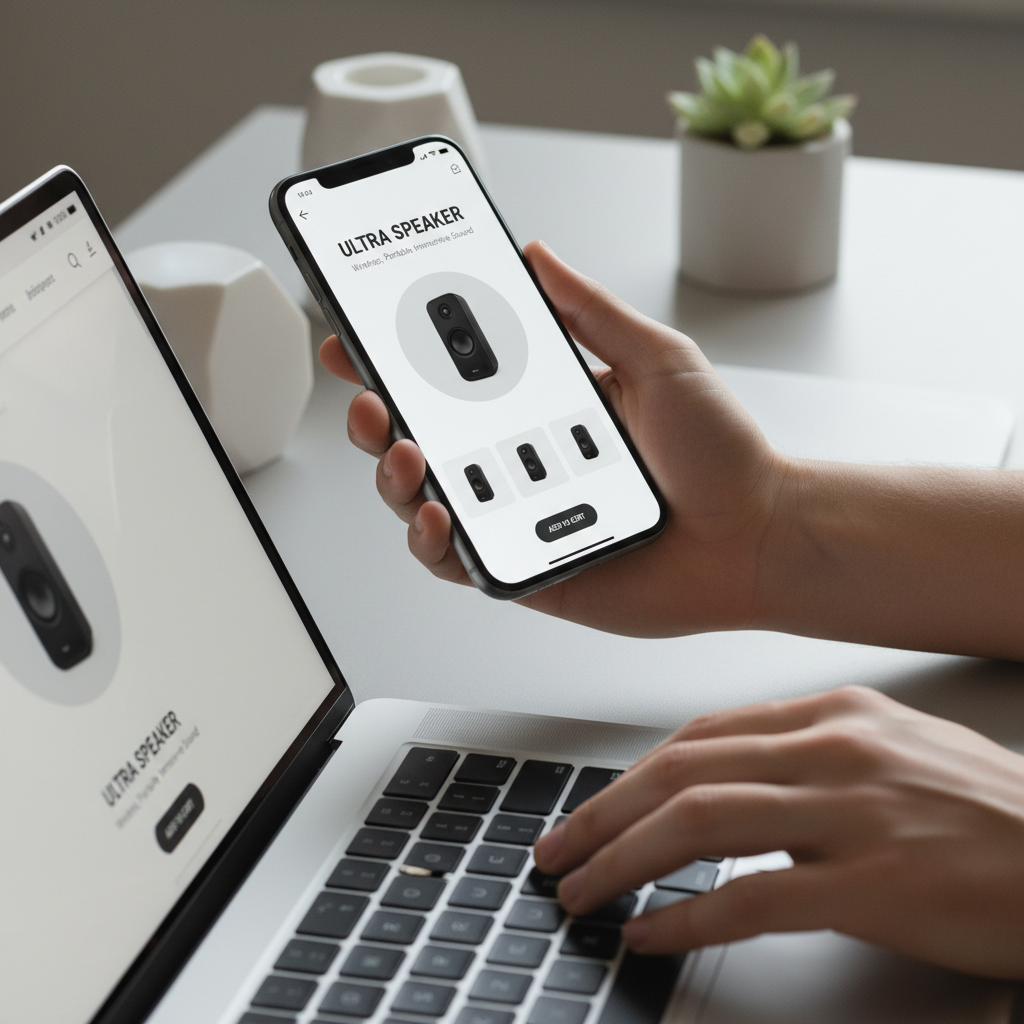
With an increasing number of users accessing websites via mobile devices, ensuring your site is mobile-responsive is no longer optional. A mobile-responsive design adjusts seamlessly to different screen sizes, providing a consistent experience across all devices.
Utilize flexible grids, layouts, and images to ensure your site looks and functions well on smartphones and tablets. By prioritizing mobile responsiveness, you cater to a wider audience and improve your search engine rankings.
Test Across Devices
Regularly testing your site on various devices and browsers is crucial. This helps identify potential issues and ensures a smooth experience for all users. Consider using tools like Google’s Mobile-Friendly Test to evaluate your site's performance.
Focus on Intuitive Navigation
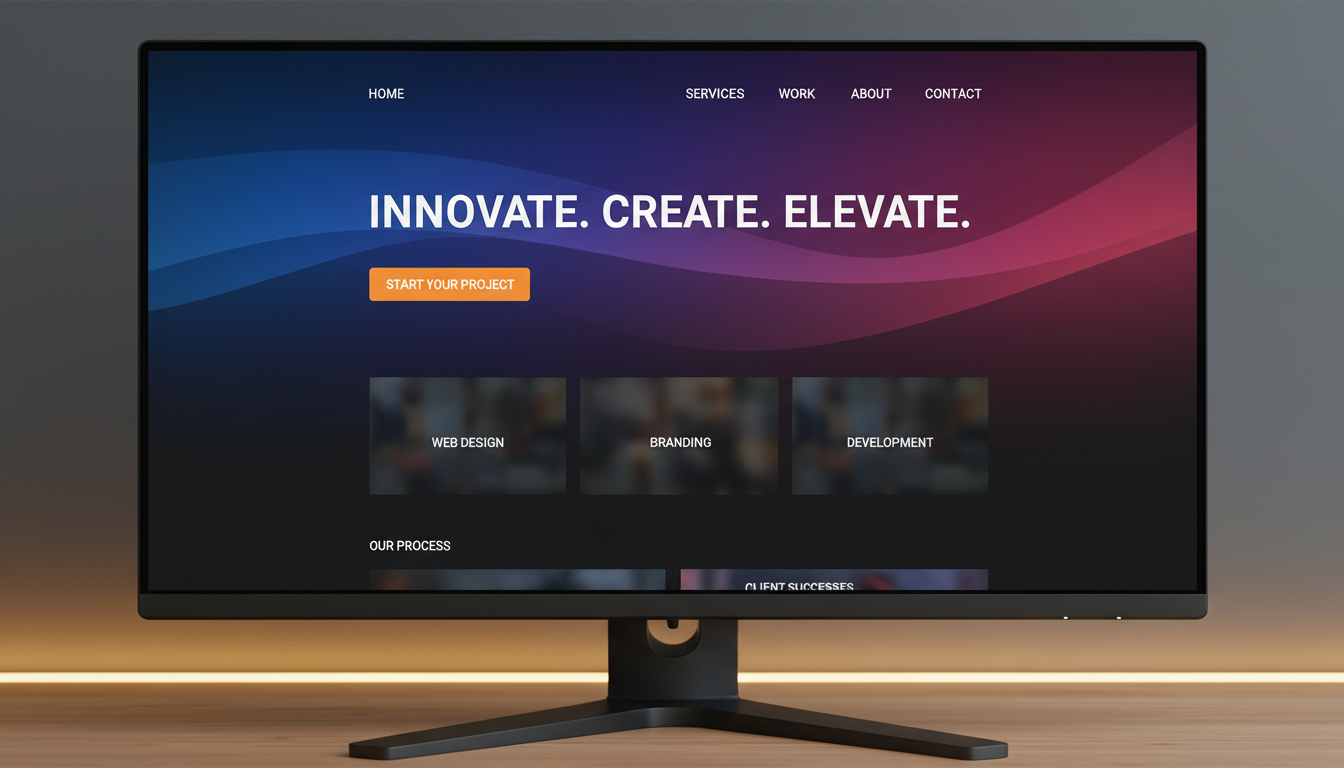
Navigation is a fundamental aspect of UX. Users should be able to find what they're looking for with minimal effort. Clear, intuitive navigation enhances user satisfaction and encourages longer site visits.
Organize your menu logically, use descriptive labels, and limit the number of options. A well-structured navigation system helps users understand your site's hierarchy and improves their overall experience.
Implement Search Functionality
For content-rich sites, implementing a robust search function is vital. It allows users to quickly locate information, enhancing their experience and keeping them engaged. Ensure the search feature is prominently placed and delivers accurate results.
Enhance Page Load Speed
Page load speed is a critical factor in user experience. Slow-loading pages can frustrate users and lead to high bounce rates. Optimize images, leverage browser caching, and minimize HTTP requests to improve load times.
Tools like Google PageSpeed Insights can help identify areas for improvement. A faster site not only enhances user experience but also positively impacts your SEO performance.
Optimize Content Layout
Content should be easy to read and digest. Use short paragraphs, bullet points, and headings to break up text. A clean, organized layout helps users find the information they need quickly and efficiently.
Incorporate Engaging Visuals
Visual elements play a significant role in user experience. High-quality images, videos, and graphics can make your content more engaging and memorable. Ensure that visuals are relevant and complement the overall design.
Remember to balance visuals with text to avoid overwhelming users. Consistent branding across all visual elements reinforces brand identity and enhances the overall experience.
Utilize User Feedback
Gathering feedback from actual users provides invaluable insights into potential improvements. Conduct surveys, usability tests, and analyze user behavior to identify areas for enhancement. Listening to your audience helps create a site that truly meets their needs.
By implementing these expert tips, you can significantly improve your corporate site's user experience, leading to increased user satisfaction and better business outcomes.